Features & Tools for Therapists
A guided look at what your Dashboard unlocks—from bookings and client notes to invoices, accounting, space rental, marketing and an AI receptionist.
Built for how you run a practice
- Core
01 · Scheduling
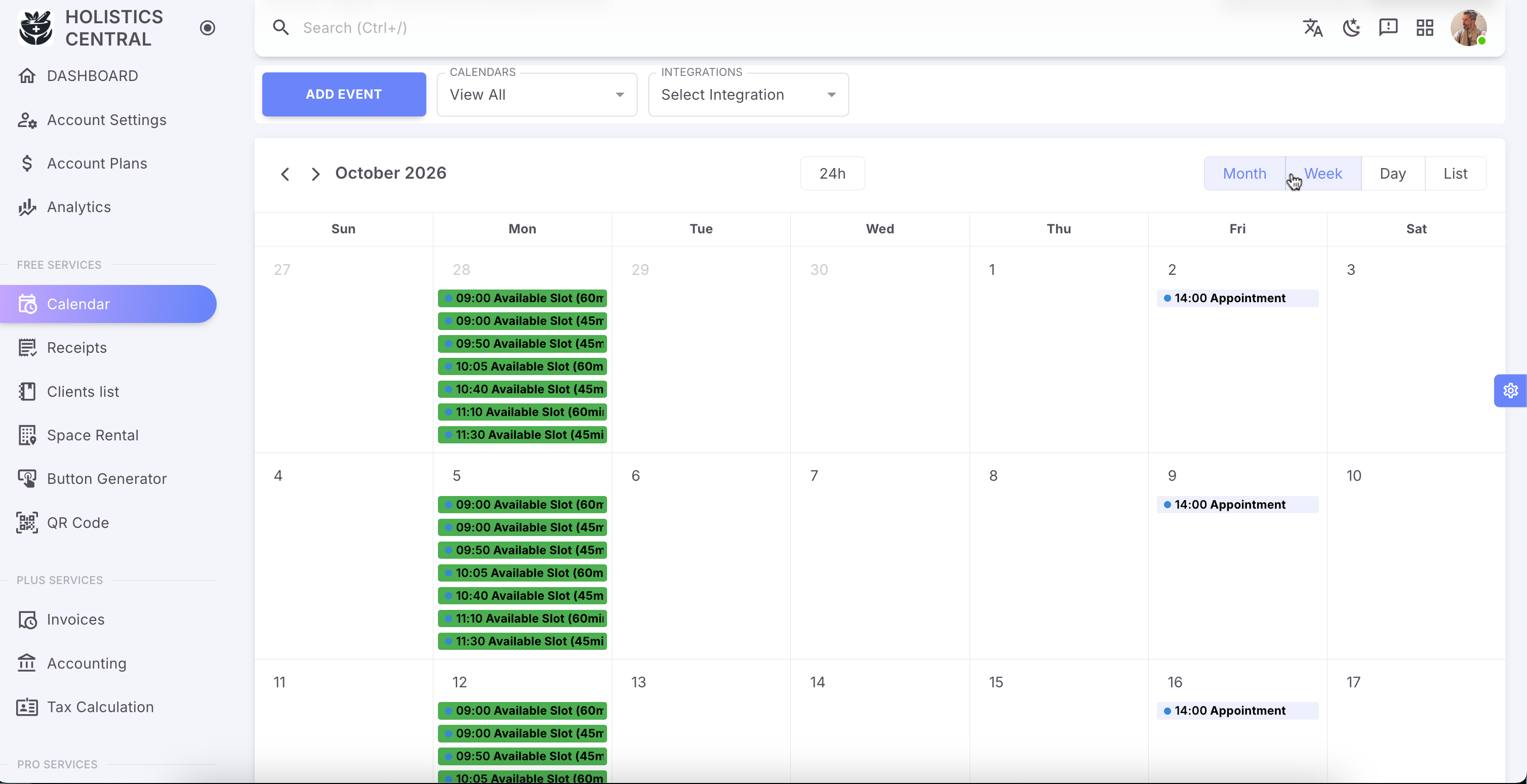
Calendar & bookings
Publish your availability, let customers book appointments from your public profile, and keep appointments synced w/ all your calendars.
- Core
02 · Practice care
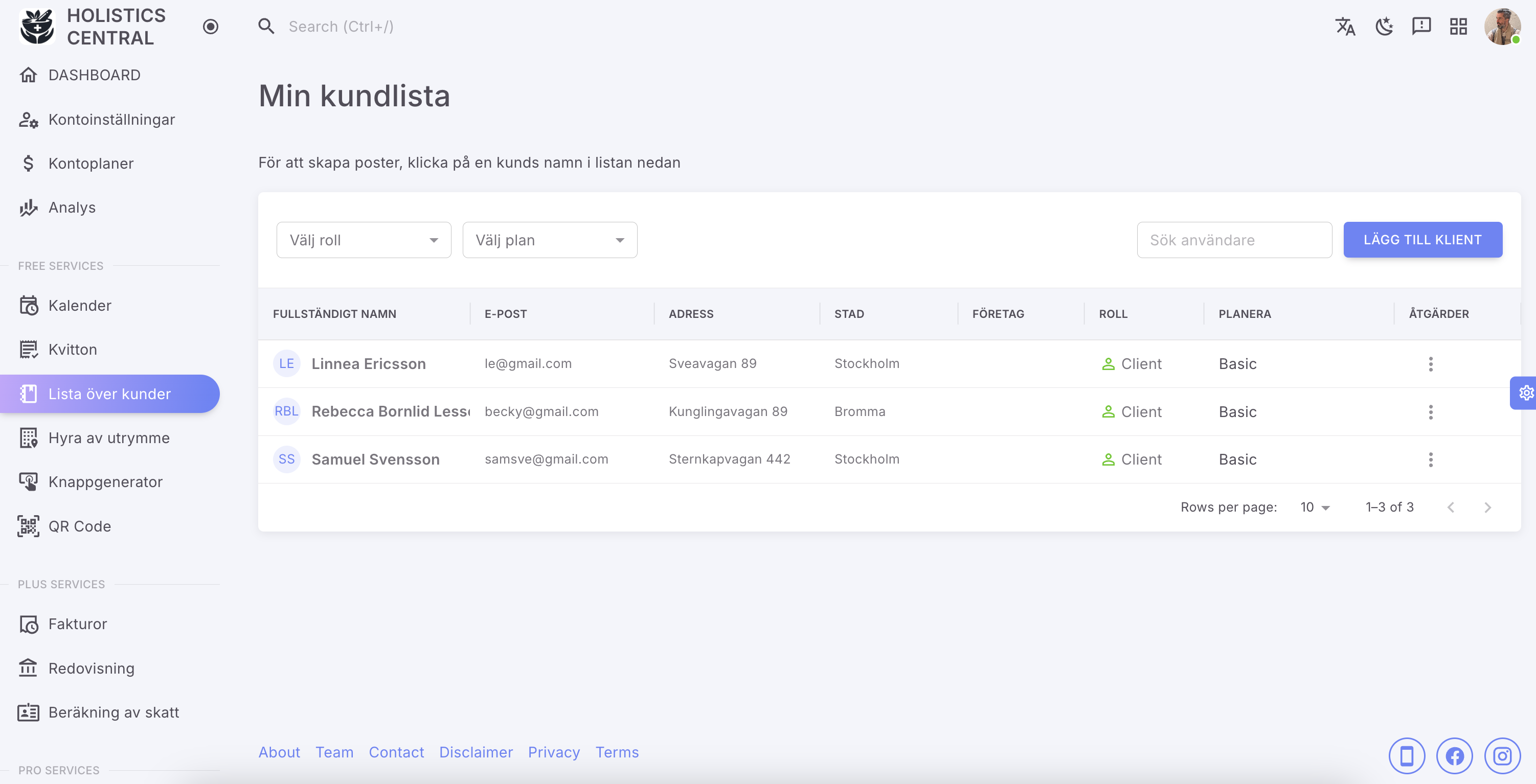
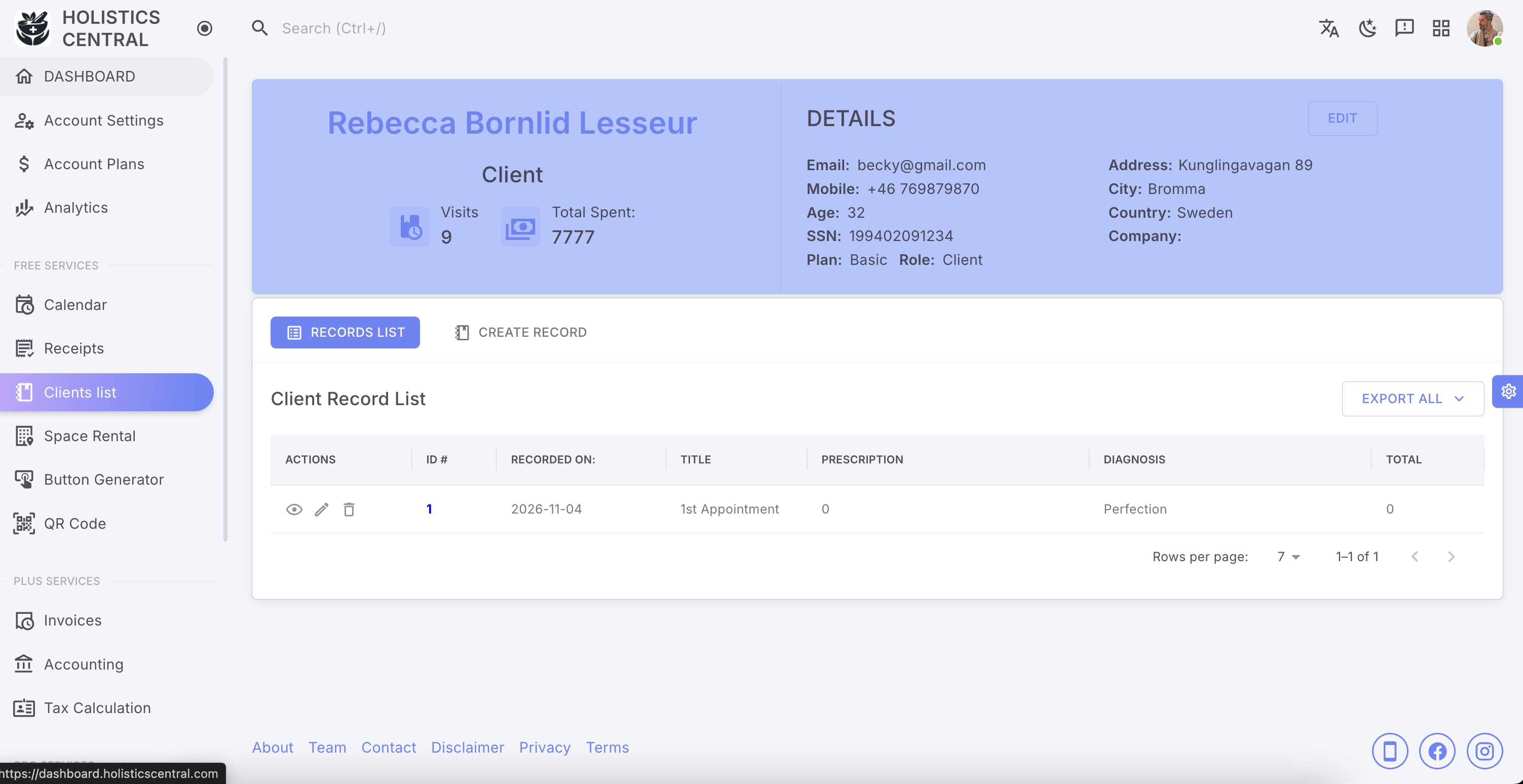
Clients and Client Notes
Maintain your client list, open visit history, and keep treatment notes where only you can manage them.
- Core
03 · Spaces
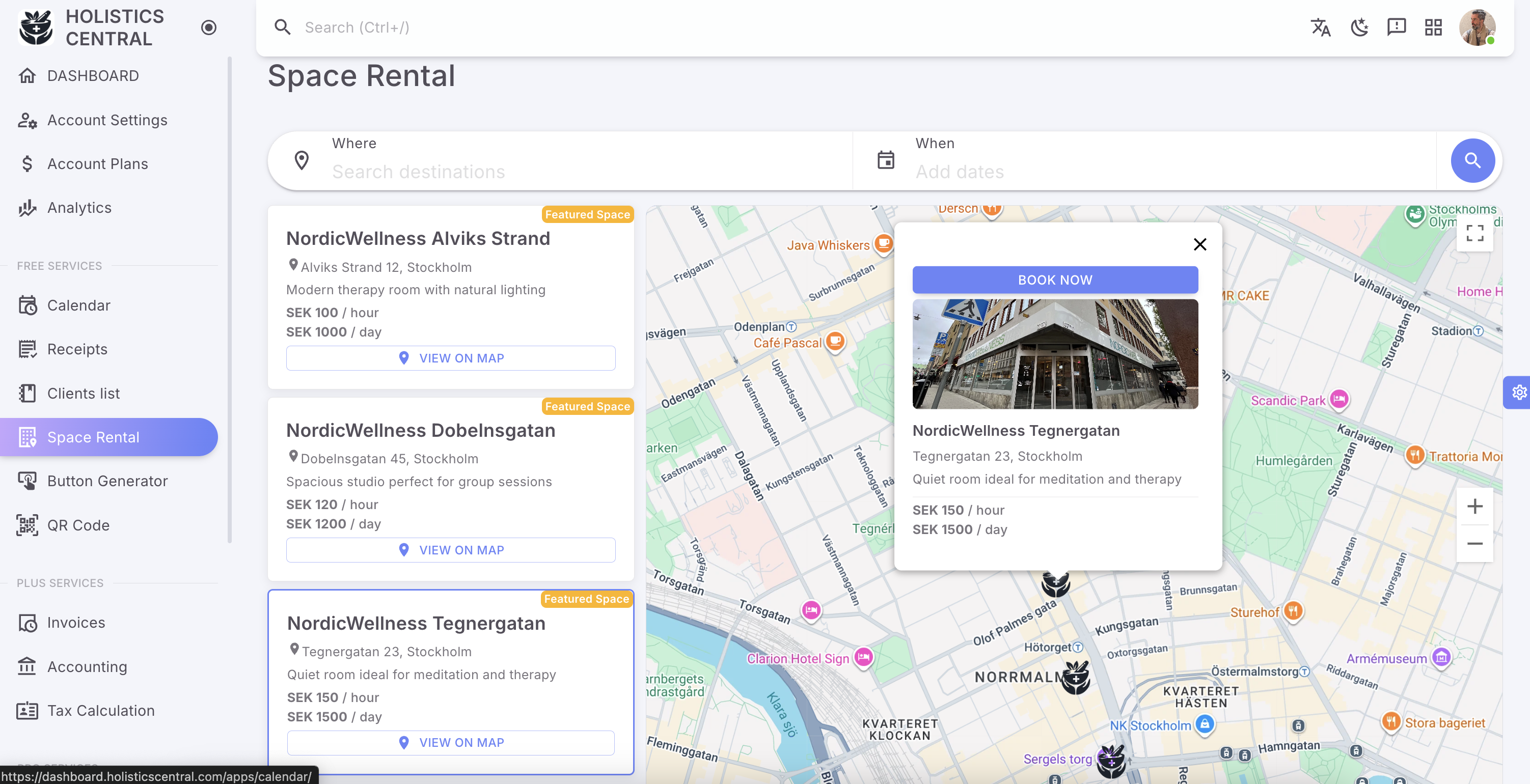
Space rental
Book treatment rooms or shared clinic space when you need a place to practise, without leaving the Dashboard.
- Core
04 · Community
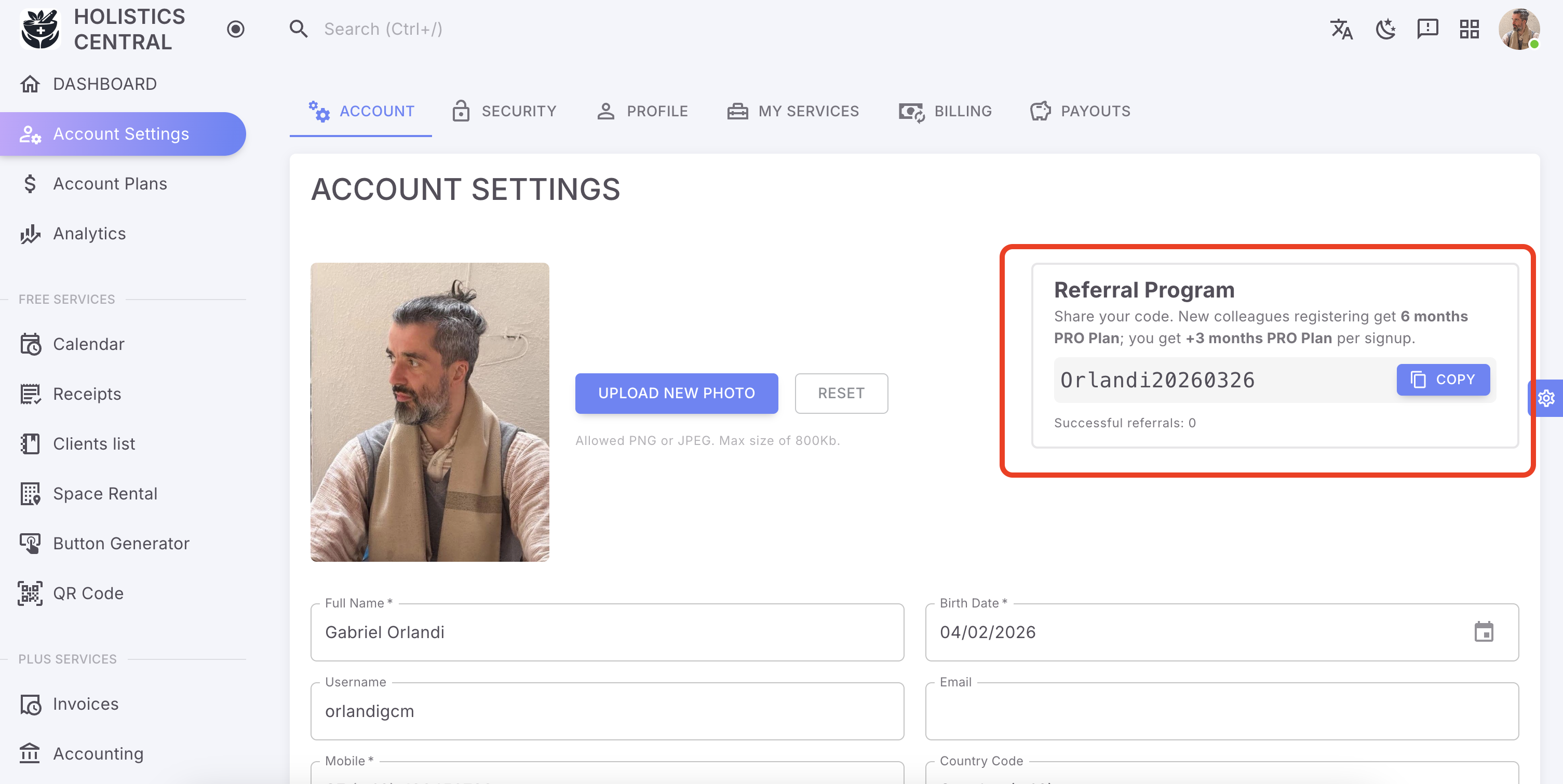
Referral program
Share your personal code. Colleagues who join get months of PRO; you earn complimentary PRO for every successful signup.
- Plus
05 · Money flow
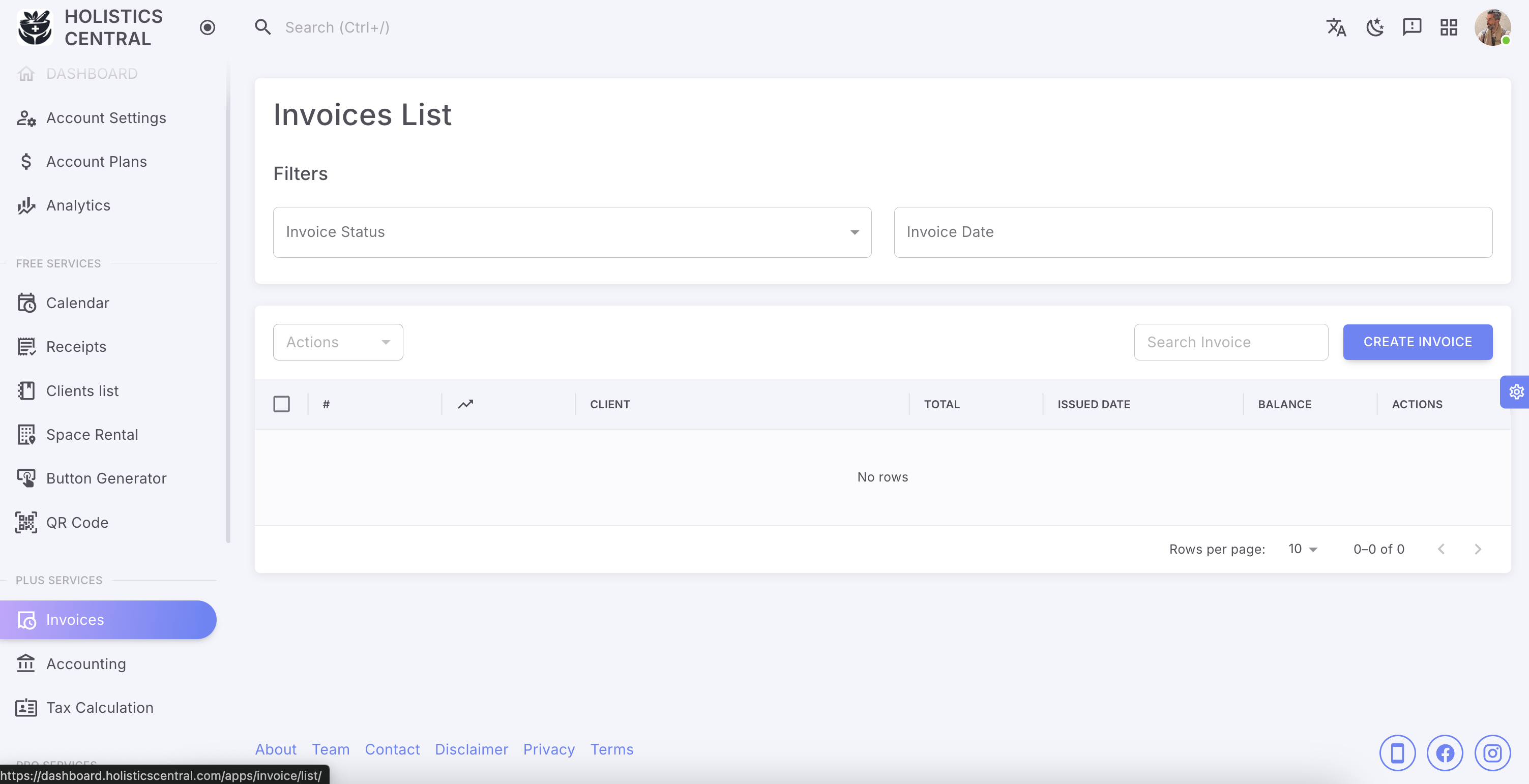
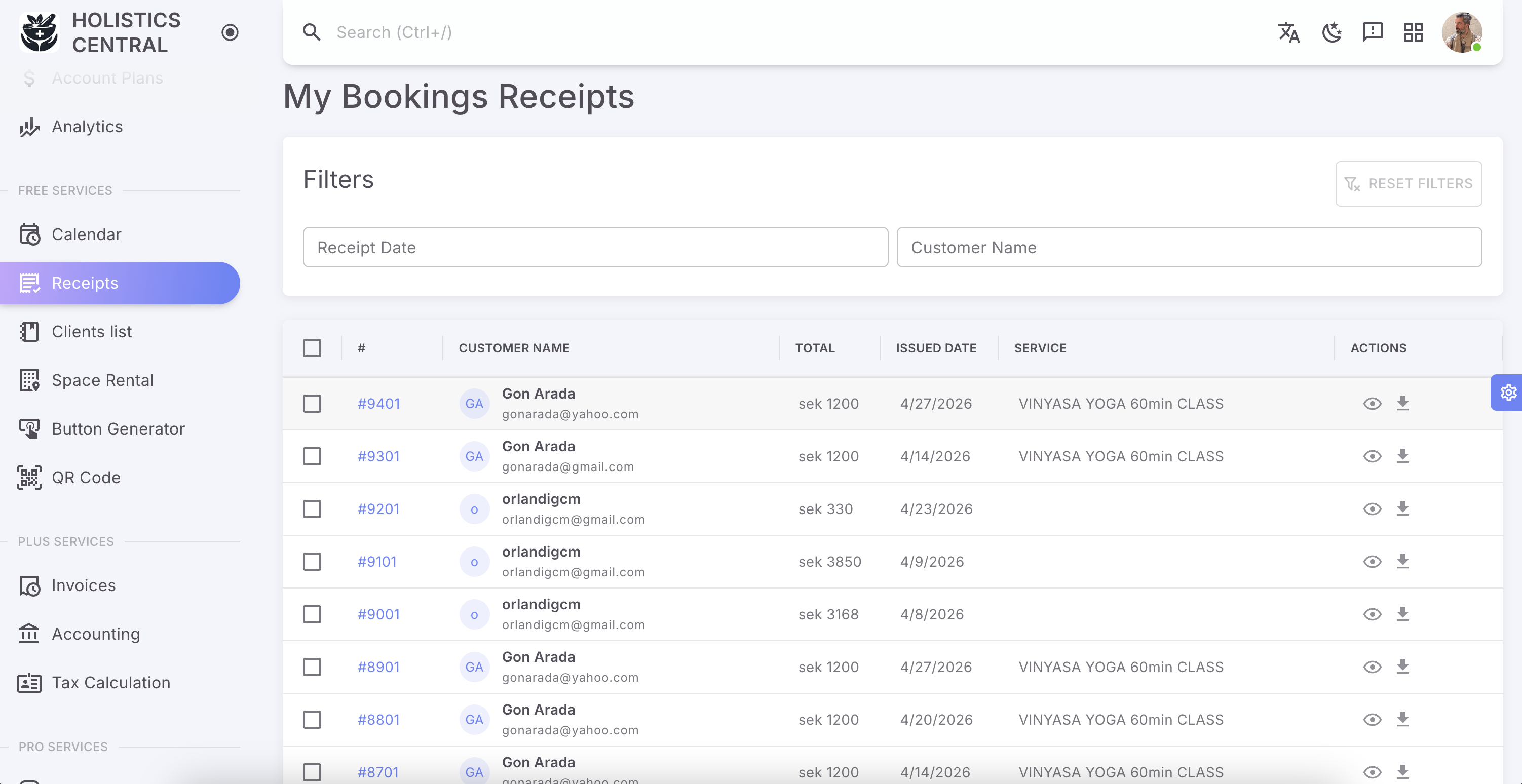
Receipts & invoices
Issue receipts after sessions, send invoices for packages or retainers, and keep payment paperwork tidy.
- Plus
06 · Money flow
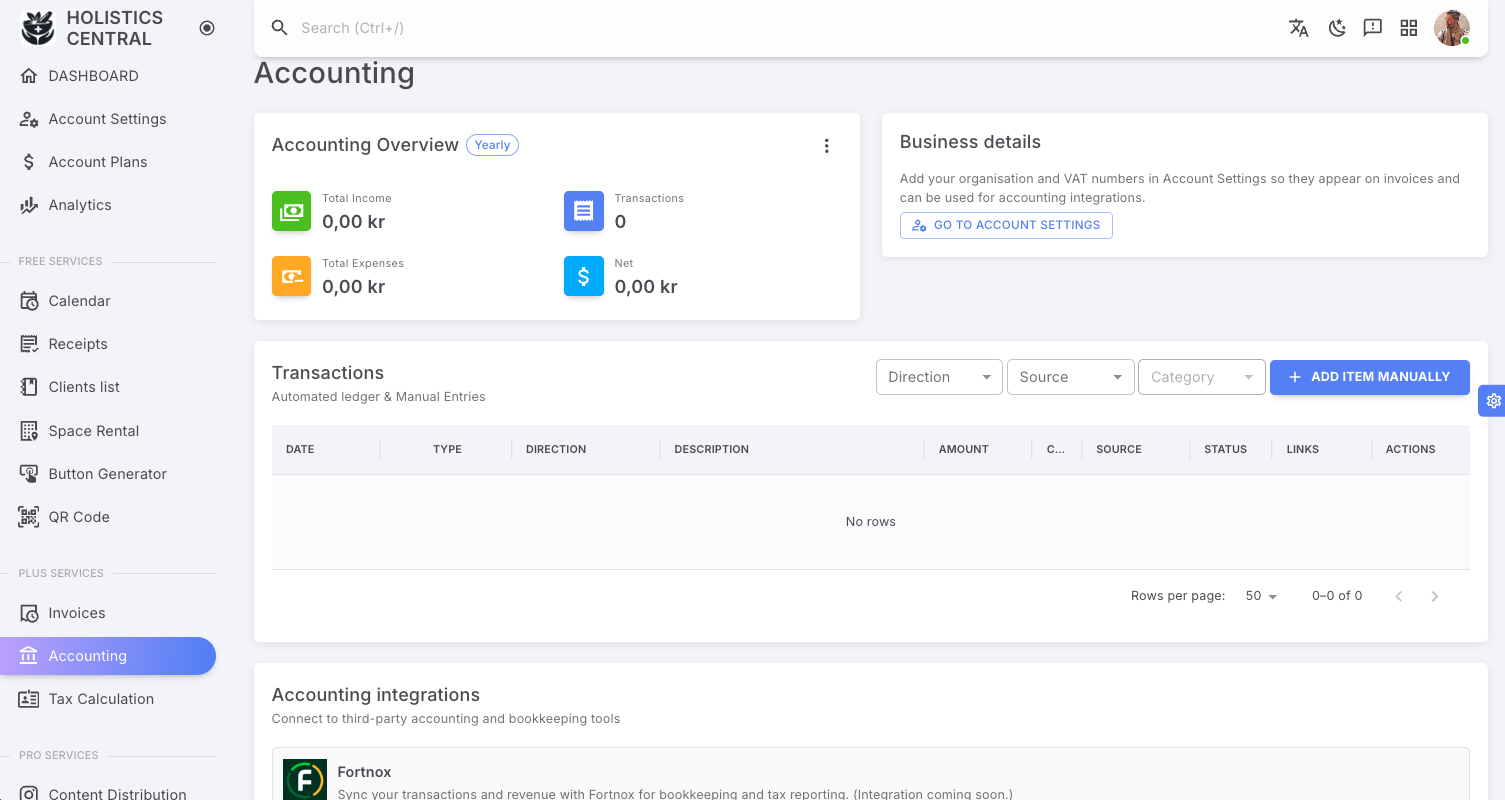
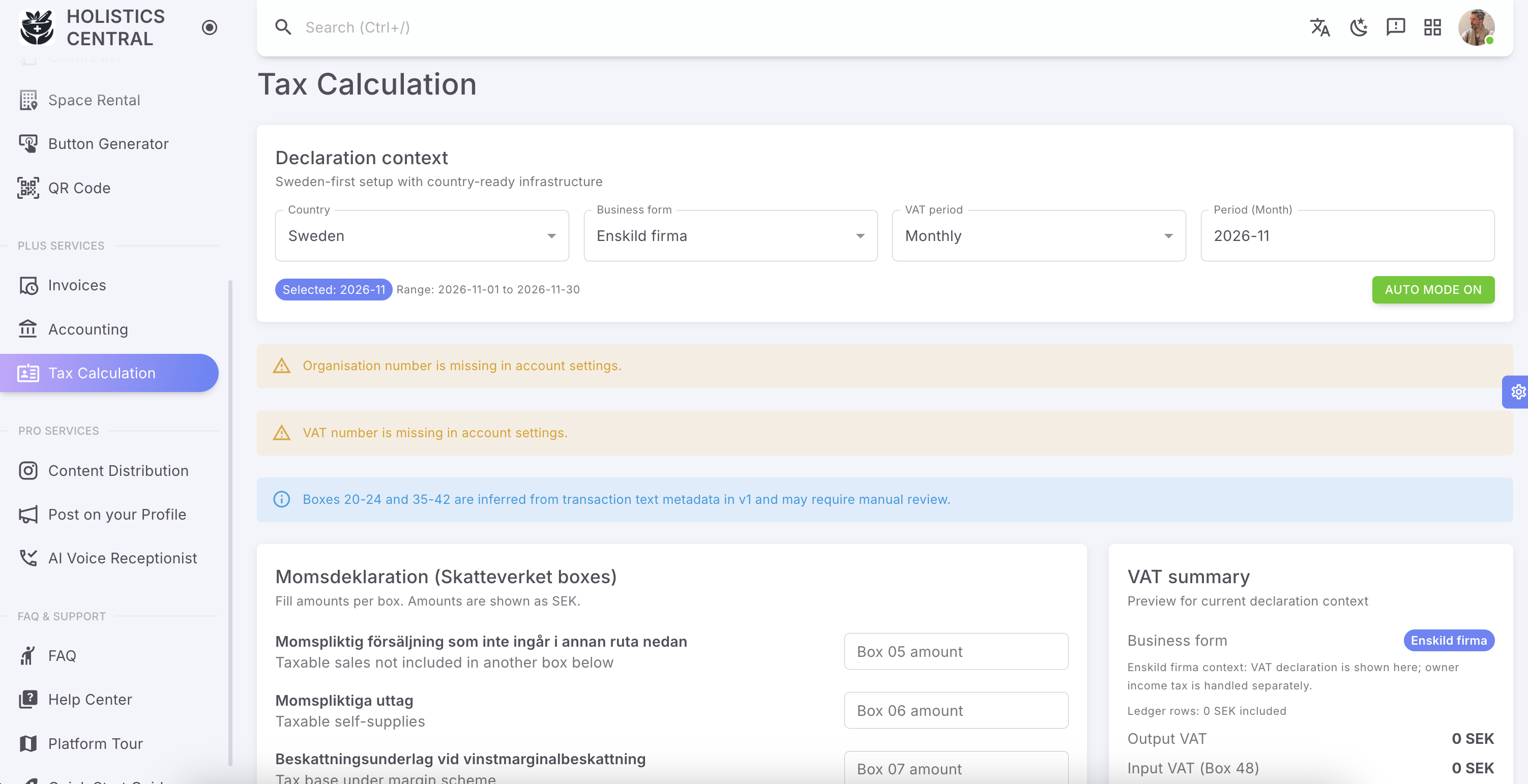
Accounting & tax helpers
Summarise income streams and run tax-oriented calculations so month-end feels lighter—not like a second job.
- Pro
07 · Visibility
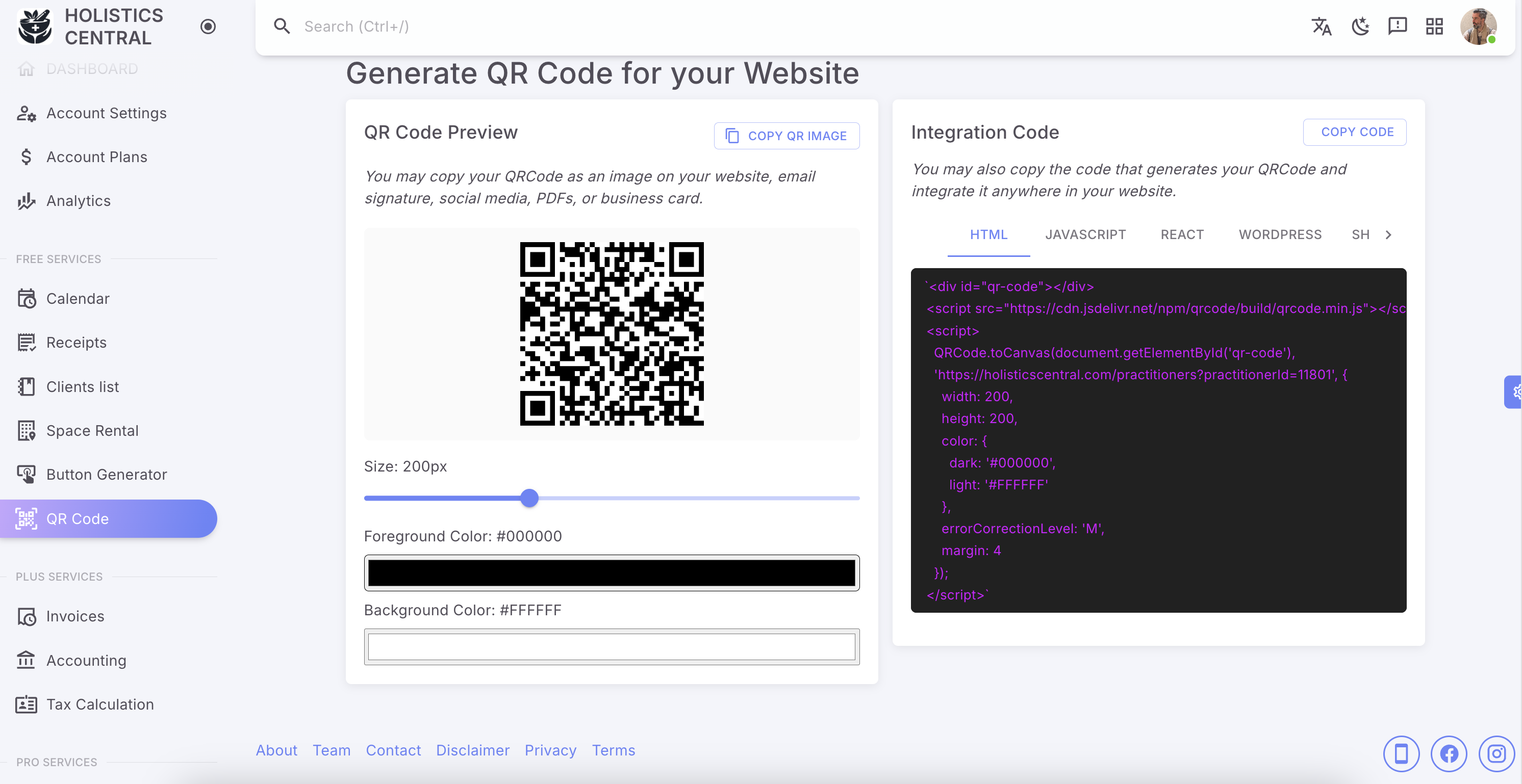
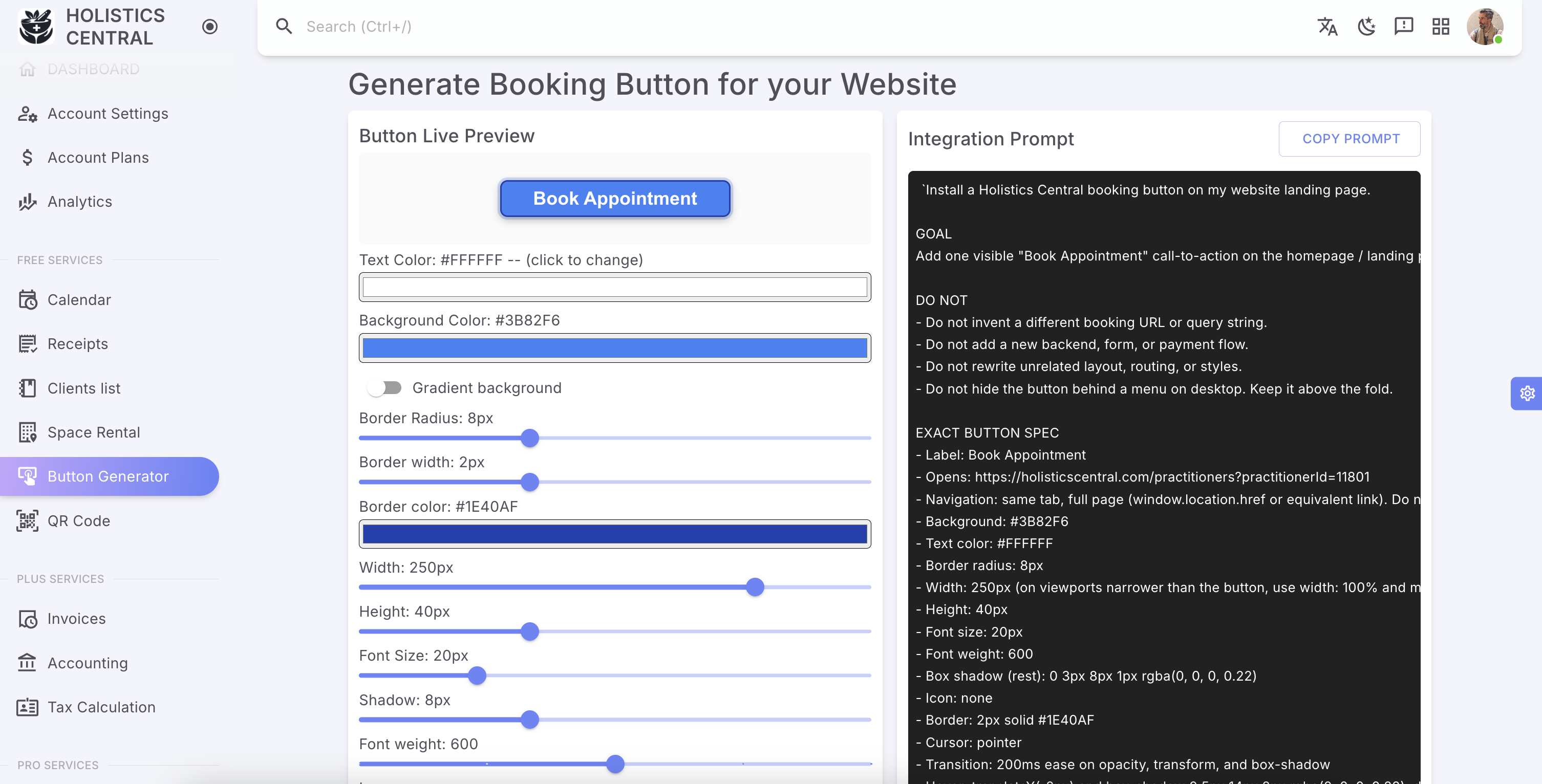
QRcode & Booking Button
Generate a book-now button and a QR code for print materials so clients can book from your website, flyers, or clinic.
- Pro
08 · Visibility
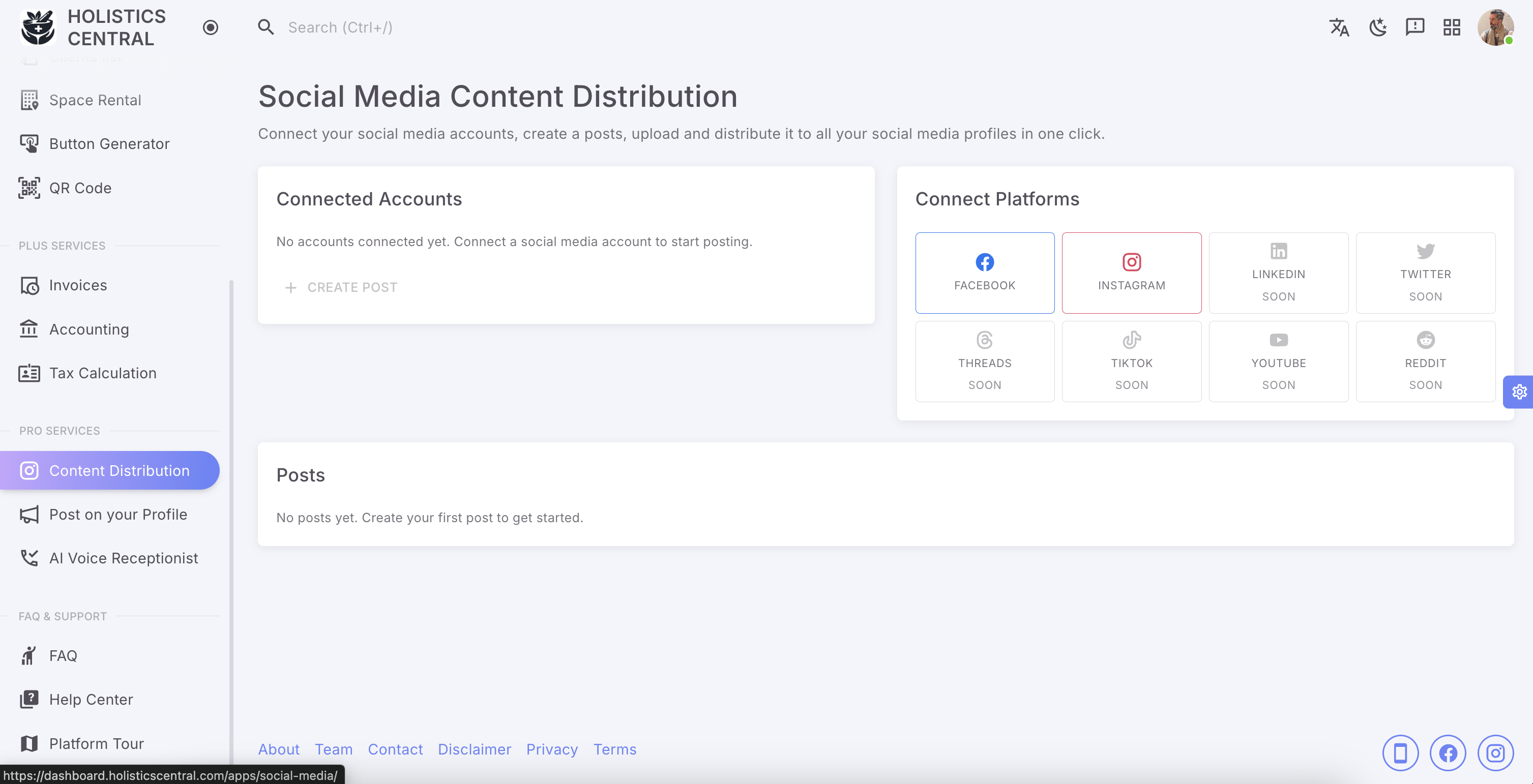
Social Media Content Distribution
Push practice content toward social channels so your work shows up where colleagues and clients already scroll.
- Pro
09 · Automation
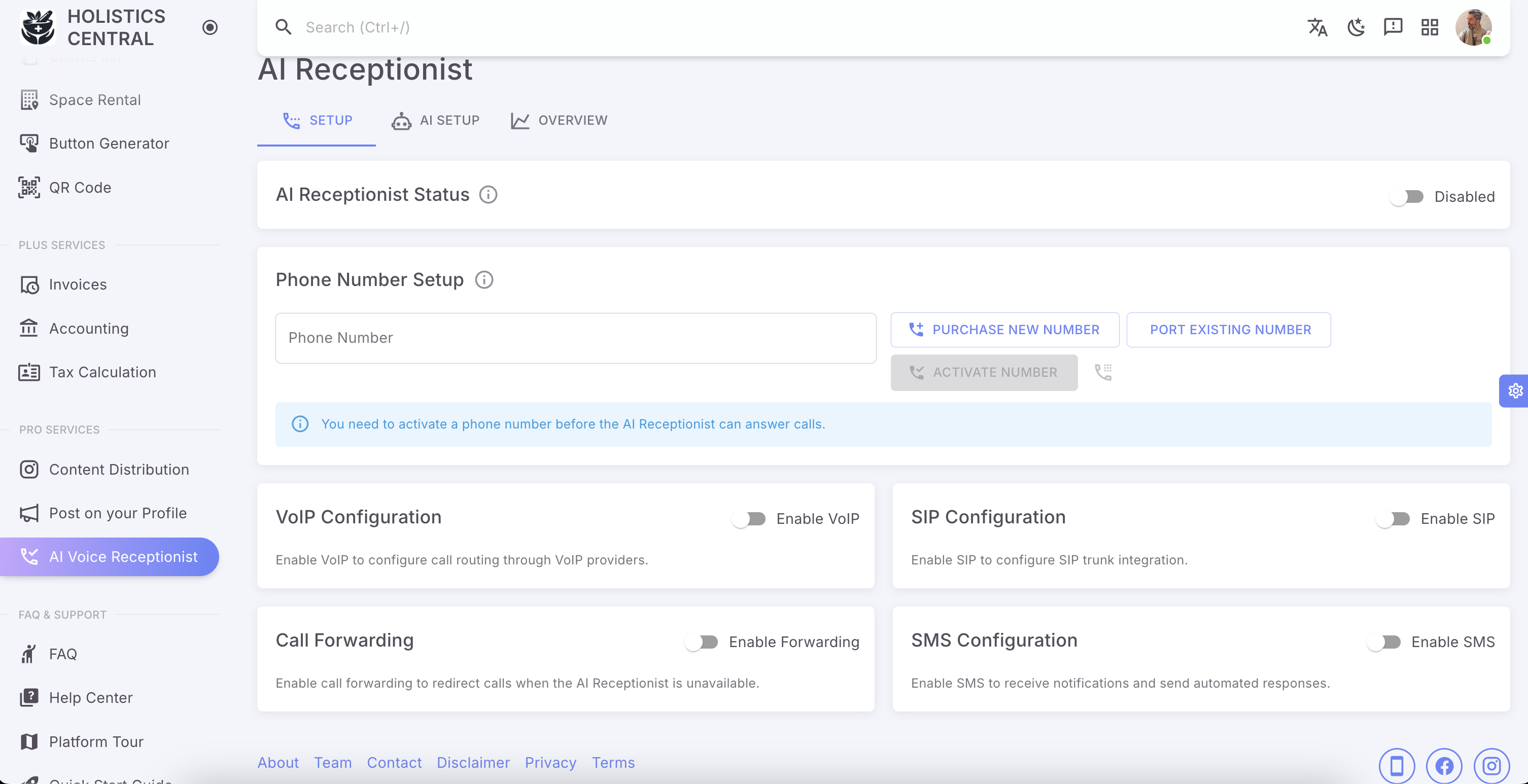
AI Voice Receptionist
Let an AI receptionist take booking intent by phone, capture preferred times, and hand them back to you for confirmation.
Open your toolkit
Register as a practitioner, confirm your email, then step into the Dashboard where these Features & Tools live.